Hold.
Press and hold Option–Space in the app you’re using.
 DEAR MACHINE
YOUR VOICE. YOUR MACHINE. YOUR SPACE.
Let your thoughts find their words. Private, on-device dictation
that turns natural speech into polished text, wherever you work.
Available soon for Mac · Windows & Linux in development
01 / SPACE TO THINK
The half-formed idea. The email you’ve been meaning to write. The thought that arrives faster than you can type.
Just say it. Dear Machine quietly turns your voice into clear text, without pulling you out of your work. And with local processing, your words stay close to home.
Meet your new flow02 / NATURALLY SIMPLE
No new workspace. No copy-and-paste ritual.
Just a shortcut, your voice, and the app you’re already in.
Press and hold Option–Space in the app you’re using.
Think out loud. Speech is transcribed right on your computer.
Let go. Clean, polished text appears in your active window.
03 / SMALL PRESENCE. REAL POSSIBILITIES.
Your words, your notes, your next idea.
All with a quiet companion by your side.
Two ways to make room. Swipe to explore →
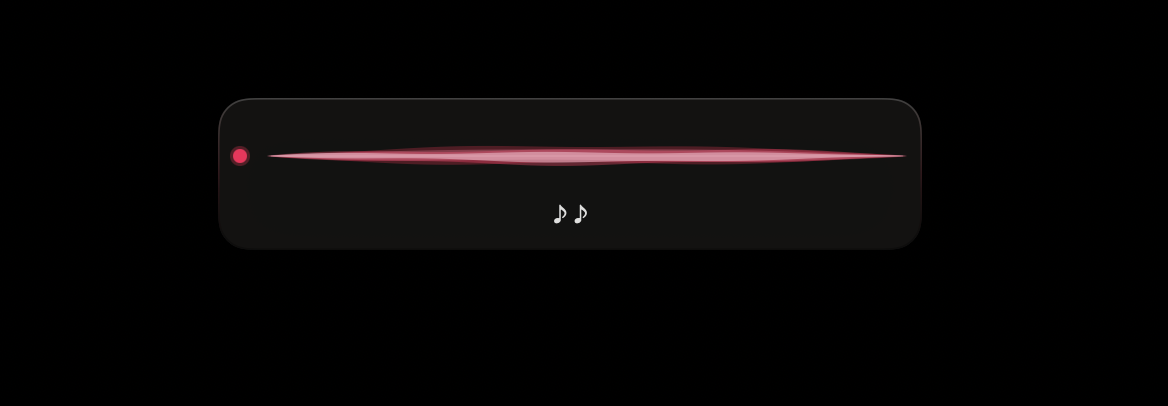
A native menu-bar app with a small floating interface. All the room you need for the work in front of you.
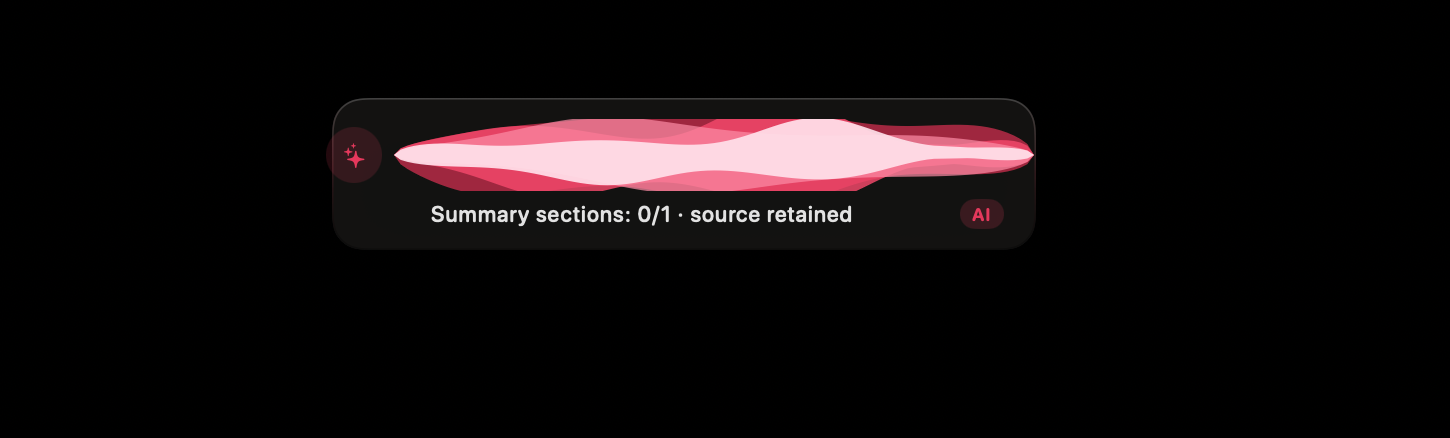
Turn meetings and lectures into structured notes. Draft emails with your voice. Keep the useful parts, locally.
04 / LESS EXPLAINING. MORE SHOWING.
Dictation, email drafting, and session notes.
Three small ways to make room in your day.
05 / PERSONAL MEANS PERSONAL
Your unfinished thoughts deserve a private place.
We built one into the way Dear Machine works.
Three privacy principles. Swipe to explore →
Moonshine and Whisper speech engines run on-device. No cloud connection needed for transcription.
Dictation history and app-context sharing are off by default. Optional history is stored in a local SQLite database.
Remove filler words and clean up text locally. Cloud refinement is strictly opt-in, using your own API key.
Local speech engines · Optional on-device AI refinement · Hardware acceleration
A FEW THINGS TO KNOW
Speech recognition runs on your device. Dictation audio is processed in memory, and dictation history and app-context sharing are off by default. Cloud text refinement is optional: only if you enable it with your own API key is transcript text sent to your chosen provider.
The Mac version supports macOS 13 and later on Apple Silicon, with Metal acceleration. Dear Machine is available soon; Windows and Linux builds are in active development. Request early access to get in touch about trying it.
Yes. Once your speech models are downloaded, transcription and local text cleanup run on your computer. Optional on-device AI refinement also works locally once its model is installed.
Yes. Built-in voice skills help draft emails and create summaries. Live session capture turns meetings and lectures into structured notes that are saved and searchable locally.
YOUR NEXT THOUGHT IS A GOOD PLACE TO START.
We’ll take care of the words.
macOS 13+ · Apple Silicon · Windows & Linux coming later